Free Online OCR Tools
Browse our specialized browser-based OCR tools below to match your exact document type and target export format.
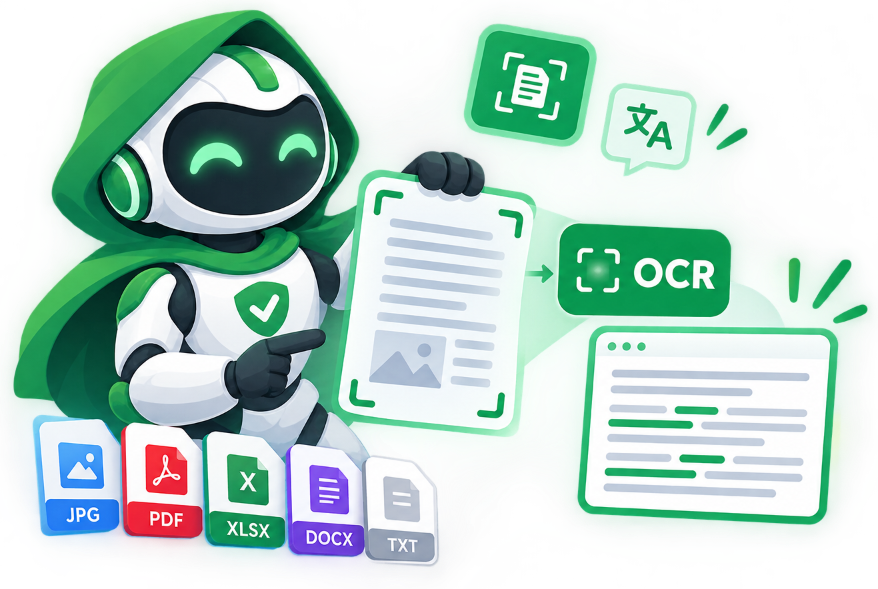
Available OCR Tools
Choose a specialized browser-based OCR tool below to start extracting or translating text locally.
Image Translator
Translate text inside photos and screenshots into 100+ languages with side-by-side preview and translated image overlay download.
Image to Word Converter
Convert JPG, PNG, and scanned images directly into editable Microsoft Word (.docx) documents in your browser.
Screenshot to Text
Paste screenshots directly from your clipboard (Ctrl+V) to extract editable text, UI labels, or code snippets.
Invoice OCR Scanner (Line Items to Excel)
Extract vendor details, invoice & PO numbers, due dates, line items, tax, and totals into Excel (.xlsx), CSV, and JSON.
Receipt OCR & Expense Scanner
Scan thermal store receipts and invoices to extract merchant name, date, tax, and total amount into Excel (.xlsx).
Passport & ID Card OCR
Read and verify Machine Readable Zone (MRZ) lines on passports and national ID cards with 100% client-side privacy.
Image to Text Converter
Extract raw text from JPG, PNG, and WebP photos quickly with instant copy and plain text export.
General OCR Scanner
Versatile online OCR workspace for extracting text from both images and multi-page documents.
Batch OCR Processing
Process multiple images or scanned pages in bulk and export all extracted text at once.
Handwriting to Text
Digitize handwritten notes, whiteboard captures, and cursive writing into editable text.
Multi-Language PDF OCR
Extract text from bilingual and multi-language scanned documents including Arabic and English.
Math Formula OCR
Convert printed mathematical equations and scientific notation into editable text or LaTeX.
Table OCR Extractor
Detect rows and columns in photographed tables and export structured data to Excel or CSV.
PDF OCR Text Extractor
Extract selectable text from scanned PDF documents directly in your browser without sign-up.
Searchable PDF Creator
Turn flat scanned PDFs into searchable, selectable PDF files while keeping the original page layout.
Built into Your Browser.
Different documents require different optical character recognition pipelines. A thermal supermarket receipt needs contrast thresholding and numeric regex parsing, a passport requires ICAO 9303 MRZ check-digit verification, and a scanned contract needs paragraph reconstruction for Microsoft Word.
Your contracts, receipts, and ID cards stay in your local browser memory from start to finish.
Export directly to editable Microsoft Word (.docx), Excel (.xlsx), Overlaid PNG, or UTF-8 text.
Automatic contrast normalization, dark-mode inversion, and check-digit verification built in.
Choosing the Right OCR Tool for Your Document
Each utility in the Utilvo OCR Studio is calibrated for a specific document structure, character set, and target file format.
Document & Contract Digitization (.DOCX / .PDF)
Use Image to Word, PDF OCR, or Searchable PDF Creator when converting printed pages, books, and scanned agreements into editable office documents.
Visual Photo & Sign Translation (100+ Languages)
Use the Image Translator to read foreign menus, product packaging, manga, and street signs with side-by-side preview and batch translation.
Financial & Tabular Data Extraction (.XLSX / .CSV)
Use Receipt OCR for store slips and VAT totals, or Table OCR Extractor to turn multi-column grids into structured Excel spreadsheets.
Developer & Screen Snipping Workflows (Ctrl+V)
Use Screenshot to Text to paste clipboard captures directly from Windows Snipping Tool or macOS without saving temporary image files.
Identity, Academic & Specialized Recognition
Decode TD1/TD3 travel documents with Passport OCR, convert equations to LaTeX with Math Formula OCR, or transcribe notes with Handwriting OCR.
WebAssembly Client-Side Execution
Every tool in the suite executes inside your browser sandbox so confidential paperwork, IDs, and financial records remain on your device.
Frequently Asked Questions
Which OCR tool should I use for my file?
For editable Microsoft Word files, choose 'Image to Word'. To translate foreign text inside a picture, choose 'Image Translator'. For quick clipboard snips (Ctrl+V), choose 'Screenshot to Text'. For bookkeeping and spreadsheets, choose 'Receipt OCR'. For travel documents, choose 'Passport OCR'.
Can these tools recognize Arabic, Chinese, and mixed-script documents?
Yes. Our neural OCR pipeline supports over 100 languages including Arabic (with right-to-left alignment), English, French, German, Spanish, Turkish, Russian, Hindi, Chinese, Japanese, and Korean.
Do I need to install software or create an account?
No. All OCR utilities run directly inside modern desktop and mobile web browsers without software installation, watermarks, or account registration.
How can I process multiple images at the same time?
Every specialized OCR tool in our suite supports multi-image batch queues, allowing you to drop multiple photos, receipts, screenshots, or passports and export combined .DOCX, .XLSX, or .TXT files in one click.
Translate photos, convert scans to Microsoft Word (.docx), or parse receipts into Excel (.xlsx) without uploading your files.