Utilvo Guides & Step-by-Step Tutorials
Clear, actionable walkthroughs for modern document workflows. Every tutorial demonstrates how to solve real formatting, organization, and conversion tasks directly in your browser without uploading private data.
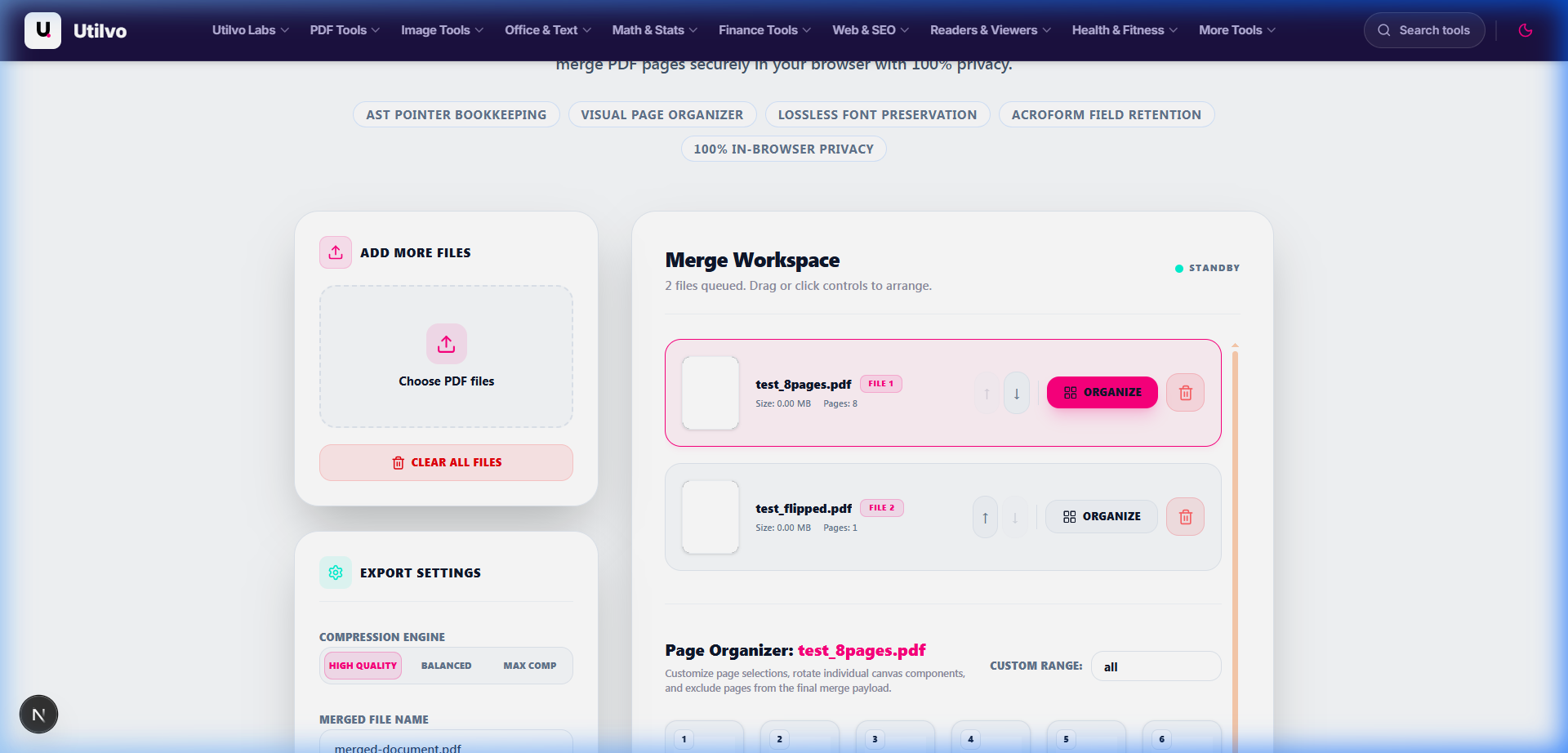
How to Merge PDF Files: The Complete Step-by-Step Guide
Step-by-step instructions on combining multiple contracts, reports, and scanned sheets into a single, beautifully ordered document. Includes visual page reordering, file rotation, and instant client-side download.
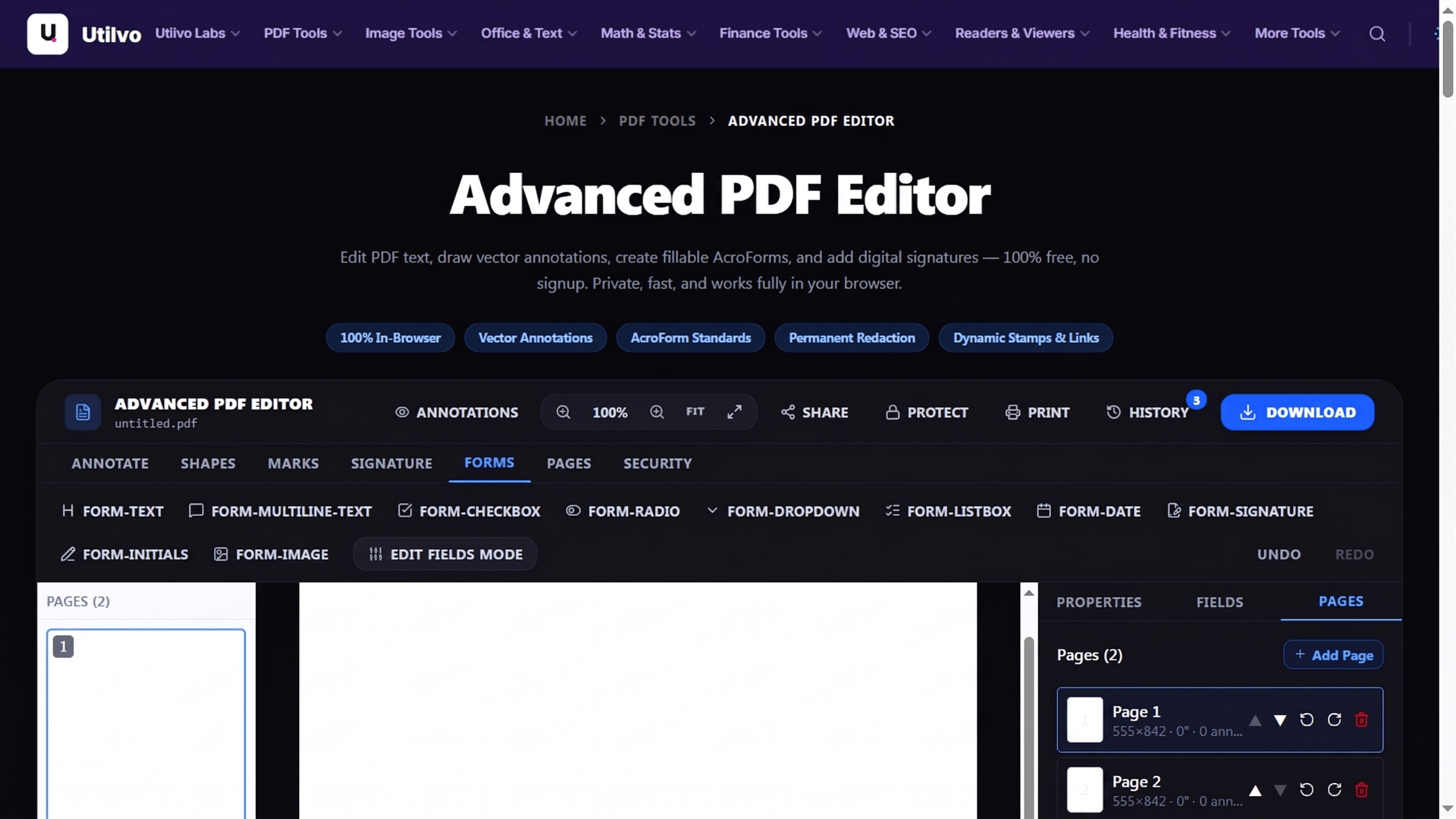
Advanced PDF Editor
A complete browser-based editor with 5 toolbar groups — annotate, build forms, page-manage, secure, and edit text — for ISO 32000-2 compliant PDFs.
How to Use the Advanced PDF Editor: Complete Browser-Based Guide
Workspace tour, quickstart, feature reference table, and live screenshots covering all 5 toolbar groups. Cite-anchored introduction for first-time users.
How to Annotate PDF Documents
Highlight, sticky notes, free draw, stamps, links, and tables — Wikipedia references included.
How to Create Fillable PDF Forms
10 AcroForm fields with click-to-place placement, real AcroForm & XFA citations.
How to Add Headers, Footers & Bates Numbers
Runtime tokens like {page}, {date}, {filename} plus Bates numbering demos.
How to Edit Text & Run OCR on PDF
Inline text edits on the content stream, plus Tesseract.js OCR for scannable PDFs.
How to Protect & Sign PDF Files
AES-256 encryption, content-stream redaction, and PKCS#7 digital signatures.
All Document & PDF Tutorials
Explore practical solutions for managing, securing, and transforming documents.
JPG vs PNG vs WebP vs AVIF Comparison
A comprehensive technical comparison of JPG, PNG, WebP, and AVIF image formats covering compression efficiency, alpha transparency, and browser performance.
How to Resize Images Without Losing Quality
Master image downsampling, Lanczos interpolation, and aspect ratio locking to resize photos cleanly without blur or pixelation.
How to Optimize Images for Web Performance
Master WebP and AVIF formats, psychovisual quality settings, and responsive image syntax to slash LCP and page load times.
How to Convert HEIC Photos to JPG
Convert iPhone HEIC and HEIF photos to universally compatible JPG in your browser with full EXIF retention and zero uploads.
Lossy vs Lossless Compression Explained
Understand the mathematical and psychovisual differences between DCT lossy quantization and DEFLATE lossless compression.
PDF to Word Conversion Guide
Learn how to convert PDF to editable Word DOCX while preserving tables, fonts, and flowing text layouts with zero uploads.
How to Convert Word to PDF
Convert Microsoft Word DOCX files to PDF while preserving formatting, fonts, images, and page margins with zero uploads.
PDF Accessibility Guide: WCAG & Section 508
Learn how to create accessible PDFs meeting WCAG and Section 508 standards. Master PDF/UA tags, logical reading order, and alt text with zero uploads.
How to Merge PDF Files
Combine multiple PDF documents into a single cohesive file locally in your browser with zero uploads, visual reordering, and instant download.
How to Split PDF Files
Separate one page or a whole set for easy conversion into independent PDF documents directly in your browser with zero uploads.
How to Organize PDF Pages
Visually reorder, rotate, delete, or insert blank pages into any PDF document directly in your browser with zero uploads.
How to Compress a PDF
Reduce PDF file size for email and web uploads without compromising text sharpness, DPI fidelity, or image legibility.
How to Repair a PDF
Fix damaged or corrupt PDF documents and rebuild broken cross-reference tables locally in your browser with zero file uploads.
How to Remove PDF Pages
Quickly delete unwanted pages, blank sheets, or confidential sections from any PDF document with visual grid previews.
How to Remove Annotations from PDF
Clean up sticky notes, highlighted text, freehand drawings, and approval stamps to prepare pristine, presentation-ready files.
How to Convert JPG to PDF
Turn smartphone photos, receipts, or document scans into a standardized, printable PDF file with custom page margins and orientation.
How to OCR a PDF
Extract editable text from scanned paper documents, screenshots, and image-only PDFs with client-side optical character recognition.
How to Use the Advanced PDF Editor
Master the browser-based PDF editor: annotate, build fillable AcroForms, stamp Bates numbers, run OCR, redact, and sign — all client-side with screenshots and SEO tips.
How to Annotate PDF Documents
Highlight text, drop sticky notes, draw freehand, add stamps, insert links, and build annotation tables entirely in the browser — no upload required.
How to Create Fillable PDF Forms
Design interactive AcroForm fields — text, checkbox, radio, dropdown, listbox, date, signature, initials, and image — with click-to-place placement.
How to Add Headers, Footers & Bates Numbers
Stamp runtime tokens like {page}, {total}, {date}, {time}, {filename} on every page. Build legal-style Bates numbering with zero server upload.
How to Edit Text & Run OCR on PDF
Edit text inline on top of the original content stream, or run Tesseract.js OCR to make scanned PDFs fully searchable — entirely client-side.
How to Protect & Sign PDF Files
Apply AES-256 password protection, do real content-stream redaction, and embed PKCS#7 digital signatures that survive any later tamper attempt.
Why Follow Utilvo Technical Tutorials?
Zero Server Data Exposure
Traditional PDF editors upload your sensitive files to remote cloud queues. Utilvo workflows execute strictly inside your local browser memory via WebAssembly.
Instant Processing Speed
No waiting for remote servers to download, queue, process, and re-encode your files. Client-side memory access delivers near-instant results for large documents.
Real Step-by-Step Screenshots
Every guide is written with real-world document challenges in mind and verified with authentic UI screenshots taken directly from our production tools.
Frequently Asked Questions
What topics do Utilvo guides cover?
Utilvo guides cover practical workflows for PDF merging, page extraction, lossy and lossless compression, OCR text recognition, image-to-document conversion, and browser-based security techniques.
Do these tutorials require uploading files to third-party servers?
No. All Utilvo tools and workflows featured in our tutorials execute 100% in your local browser sandbox via WebAssembly and JavaScript, ensuring complete confidentiality for your private files.
Are the tools demonstrated in these guides free to use?
Yes. Every tool demonstrated in our guides is completely free to use without mandatory sign-up, daily quotas, or watermarking on your output files.
Can I follow these guides on mobile devices?
Yes. All featured tools and responsive layouts operate seamlessly across modern desktop, tablet, and mobile web browsers including Chrome, Safari, Firefox, and Edge.