Utilvo — Merge, Convert & Compress PDF, Images & OCR Online
Utilvo lets you create, edit, sign, and convert PDFs, images, and more — all inside your browser. Most tools process locally via WebAssembly, so nothing has to leave your device.
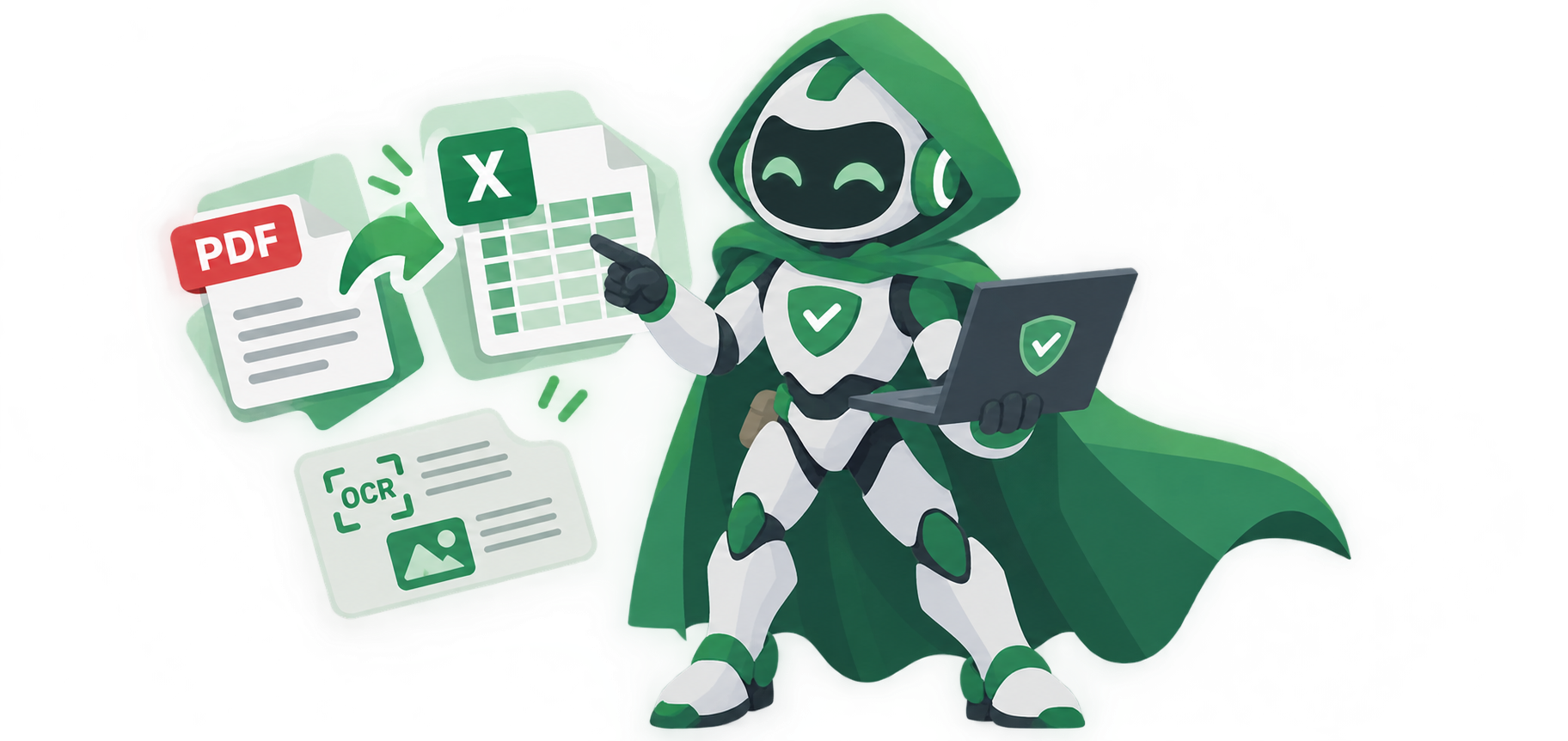
Smart Image to Text, Word & Photo Translation for Faster Workflows
Extract editable text from scanned photos, translate foreign-language signs, convert images into formatted Word (.docx) documents, or export receipts to Excel right in your browser.
Supports PNG, JPG, WebP, PDF, screenshots & receipts.
Explore All 14 OCR ToolsPopular PDF & Document Tools
Merge, compress, convert, sign, and lock documents — most run locally, so your files stay yours.
Advanced PDF Editor
Edit text, forms, images, annotations, and signatures in PDF.
Merge PDF
Combine unlimited PDFs in any order with no file size limits.
Compress PDF
Shrink file sizes under 1MB with lossless text clarity.
Self-Sign Document
Draw, type, or upload a signature and place it anywhere.
Split PDF
Separate one page or a whole range into new files.
Protect PDF
Password-protect files and restrict editing or printing.
Scan to PDF
Capture from your camera straight into your browser.
Extract Images from PDF
Extract all images from PDF files in original quality.
Convert PDF to JPG
Turn PDF pages into high-resolution JPG images.
Convert PDF to PNG
Export PDF pages as lossless PNG images.
Convert PDF to Word
Convert PDF files into editable Word documents.
Remove PDF Metadata
Clear hidden data and author properties from PDFs.
Flatten PDF
Flatten any PDF into a read-only file and lock form fields.
Repair PDF
Repair corrupted, damaged, or unreadable PDF files.
Remove PDF Pages
Remove unwanted pages from a PDF file.
Image Tools
Compress, convert, and clean up images without leaving the page.
Remove Background
Automatic cutouts, powered by an on-device model.
Image Converter
Convert between PNG, JPG, WebP, HEIC, and more.
Compress Image
Reduce file size while keeping visual quality intact.
JPG to Excel
Extract tables and text from images into a spreadsheet.
Photo Editor
Crop, adjust, and apply filters — no install needed.
HTML to Image
Convert any webpage into a JPG or PNG in one click.
Safer Browsing, Zero Distractions.
Automatically stop popunders, fake verification traps, and unsafe links before they ever open in your browser.

Document Templates
Design resumes, invoices, certificates, and business cards inside your browser.
Clean, ATS-friendly resumes with dynamic styling.
Customizable invoices with automated tax totals.
Award-ready certificates with editable seals.
Print-ready business cards, designed in minutes.
Academic & Content Tools
Check originality, detect AI text, generate citations, and organize your ideas.
Plagiarism Checker
Compare documents instantly, without uploading your essay.
AI Content Detector
Analyze text patterns to flag likely AI-generated content.
Citation Generator
Perfectly formatted bibliographies — APA, MLA, Harvard.
Mind Map Generator
Turn indented notes into a high-resolution mind map.
Word Counter
Track word, character, and reading-time counts live.
Math & Finance Calculators
Get your answer the moment you type — instant scientific, academic, and financial calculations with zero page reloads.

Browse All Tool Categories
A complete suite of browser-based tools designed to speed up your workflow.
Privacy you can actually verify
Most tools run fully on-device via WebAssembly — no upload, no server round-trip. Utilvo Shield and Sandbox go further: read exactly what each one checks and sends, in plain language.
How Utilvo Works
Three simple steps — zero installations, zero server queues, and zero watermarks.
Open the tool you need
Pick from the PDF, image, QR, OCR, and calculator categories — every tool loads instantly in your browser with nothing to install.
Work on your files locally
Your documents and images are processed on your own device through WebAssembly. They never leave your computer, so nothing is uploaded or stored on a server.
Download the result right away
Get your finished file immediately — merged PDFs, converted images, scanned text, or generated QR codes — with no watermark and no sign-up step.
Frequently Asked Questions
What is Utilvo?
Utilvo is a free, privacy-first online platform featuring over 1,600 browser-based tools for PDF editing, document engineering, image conversions, and developer utilities. All operations execute locally in your browser via WebAssembly with zero server uploads and no registration required.
Are my files uploaded to a server?
No. Most tools process your file locally in your browser using WebAssembly — your files never leave your device. A handful of tools that genuinely need server-side processing say so on that specific tool's page.
How many tools does Utilvo have?
Over 1,600 free utilities — PDF tools, image converters, QR code generators, academic tools, calculators, and more — all searchable from the box above.
Does Utilvo support OCR text extraction?
Yes — OCR PDF, including handwriting recognition, extracts text from scanned documents without uploading them anywhere.
What's the difference between Utilvo Shield and Sandbox?
Shield blocks dangerous links before they load. Sandbox opens a suspicious one anyway, inside a fully isolated preview. Both are free browser extensions — see Utilvo Labs below.
Do I need to create an account?
No. Every tool on this page works with zero signup, and there's no paywall on core features.